Why We Built RemovePDFPassword.in: 30+ Free PDF Tools That Never Upload Your Files
Most "free" PDF websites upload your bank statements and Aadhaar to their servers. We built 30+ PDF tools that run in your browser: free, no signup, and your file stays on your device.
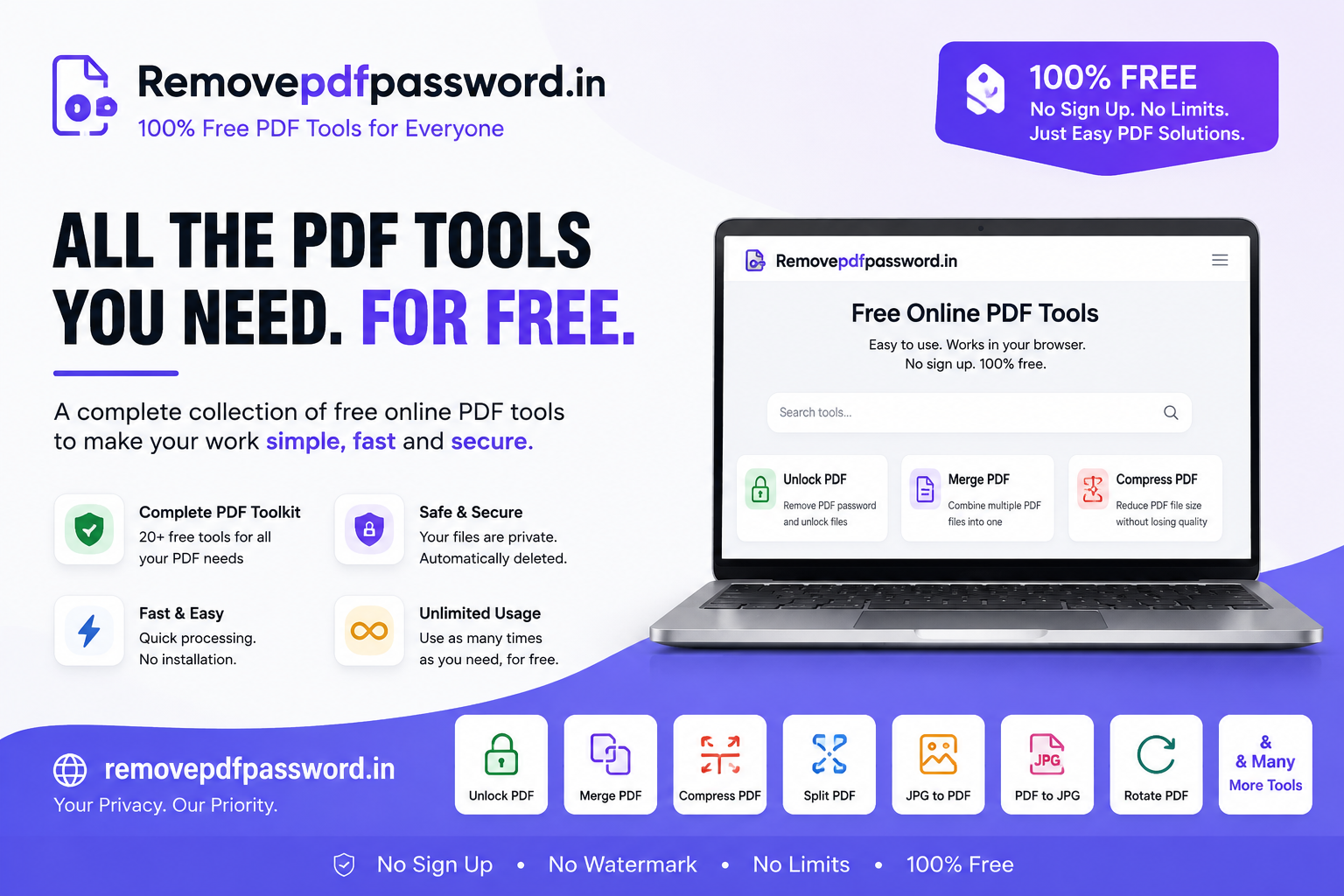
Most people don't think about PDF tools until they need one. Usually it's urgent: a visa form wants a file under 2 MB, a loan officer wants three statements merged into one, or HR needs a signed offer letter back by evening.
The usual next step is to search "free PDF tool", open the first result and upload the file. That file might be a bank statement, an Aadhaar card, a salary slip or a tax form.
We built RemovePDFPassword.in because that habit bothered us. It started as a password remover, and it is now a full set of 30+ free PDF tools that run in your browser. Here is why we built it and what it does.
The problem with "free" online PDF tools
Most popular PDF websites work the same way. You upload your file to their server, they process it there, and you download the result. That has three downsides.
1. Your documents leave your device. The PDFs Indians handle most often are sensitive: bank and credit card statements, Form 16, Form 26AS, AIS, ITR acknowledgements, CIBIL reports, insurance policies, payslips and Aadhaar copies. Uploading them to an unknown server for a 10-second job is a poor trade, whatever the privacy policy says.
2. "Free" usually has limits. Many tools give you a few free tasks, cap the file size, add a watermark or ask you to sign up before you can download. The free plan is often a trial for a subscription.
3. Uploading is slow. On a weak mobile connection, uploading a 20 MB scanned PDF and downloading it again takes longer than the processing itself.
We wanted a toolkit with none of these problems: free, no signup, and no upload.
Our answer: PDF tools that run in your browser
Every tool on RemovePDFPassword.in is designed to process your file inside your browser using JavaScript. The page loads once, and your PDF stays on your phone or laptop. Nothing is sent to a server, so there is nothing for us to store, read or leak.
You can check this yourself. Load a tool, turn off your internet, and then process your file. If it still works, your document never left your device.
This also makes the tools:
- Free forever. No signup, no payment and no file size limit. Because the work runs on your device, we have no server costs to pass on to you.
- Fast. There is no upload or download wait, so most jobs finish in seconds.
- Mobile-friendly. They work in Chrome, Safari and Firefox on Android and iPhone, with no app to install.
The full toolkit
Password removal brought people to the site, but most real PDF work is everyday editing, and that is where most of our effort now goes.
Organise pages
- Merge PDF: combine statements, invoices or scanned pages into one file
- Split PDF: break a large file into smaller parts
- Extract pages and Delete pages: keep only the pages you need
- Rearrange pages and Rotate PDF: fix scans that came out in the wrong order or orientation
- Crop PDF, PDF page size and Remove blank pages: clean up the layout
Compress
- Compress PDF: shrink files for government portals, job applications and email attachments that have strict size limits
Convert
- Image to PDF: turn phone photos of documents into a single PDF
- PDF to JPG and PDF to images
- PDF to Word, PDF to Excel and PDF to text
- OCR PDF (Hindi + English): make scanned documents searchable, including Hindi text
- PDF to grayscale: reduce colour for printing and smaller files
Sign, mark and protect
- Sign PDF: sign offer letters, agreements and forms without printing them
- Add page numbers, Header and footer, Watermark and Stamp PDF
- Bates numbering: for legal and compliance document sets
- Protect PDF: add a password before you share a file
- Flatten PDF: lock form fields and annotations into the page
Privacy tools for Indian documents
- Mask Aadhaar: finds Aadhaar numbers in a PDF and covers the first eight digits, so only the last four show (XXXX XXXX 1234). Use it when a landlord, employer or service provider asks for an Aadhaar copy.
- Redact PDF: black out account numbers, addresses or any other text before sharing
- Remove metadata: delete hidden author, software and date information from a file
Repair
- Repair PDF: try to recover files that won't open or show errors
Running privacy tools like Aadhaar masking and redaction on a remote server would defeat the point. You shouldn't have to upload your Aadhaar to a website in order to hide your Aadhaar number. This is the clearest example of why we process everything in the browser.
And yes, it still unlocks PDFs
Password removal is where the site started, and it is still useful.
Banks, card issuers, insurers, mutual fund registrars and the Income Tax department send password-protected PDFs. The password format differs for each one: sometimes it's your date of birth, sometimes part of your name plus your DOB, and sometimes your PAN or customer ID. Most "wrong password" errors come from using the wrong date format or the wrong spelling of your name.
RemovePDFPassword.in works in two steps:
- It helps you find the right password. A built-in bank helper suggests likely passwords based on each issuer's format. We also have password guides for more than 80 senders, including HDFC, ICICI, SBI, Axis and Kotak, Form 16, Form 26AS, AIS, LIC, CAMS, KFintech, CDSL, NSDL, Zerodha, Groww, CIBIL, Jio and Airtel, plus US banks and IRS forms.
- It removes the password once. You enter the password one time, and you get an unlocked copy you can open, print or upload without typing it again.
It supports both open passwords and print/copy restrictions on standard AES-128 and RC4 encrypted PDFs. It does not crack passwords you don't know. You need the right password to unlock the file. It saves you from entering that password every time you open it.
Who it's for
- Salaried employees handling payslips, Form 16 and reimbursement claims
- Taxpayers and CAs working with AIS, 26AS, ITR acknowledgements and client statements every filing season
- Loan and visa applicants who need to merge, compress and upload many documents
- Small businesses sending invoices, signed agreements and stamped documents
- Anyone asked for an "Aadhaar copy" who would rather share a masked one
Why Anvya AI built it
At Anvya AI we build AI-first software for businesses, and privacy by design is one of our core principles: sensitive data should not move unless it has to. RemovePDFPassword.in applies that principle to a problem nearly everyone has. It is also part of our wider set of free tools, alongside our UPI QR code generator and salary slip generator.
We don't charge for it, and we don't need your files to make it work.
Try it
Next time you need to merge, compress, sign, convert, mask or unlock a PDF, try RemovePDFPassword.in before you upload the file somewhere else. It's free, needs no signup, works on your phone and keeps your file on your device.